
A freelance invoice template needs more than a logo and a total. In the UK, an invoice must carry a unique number, your details and the customer’s, the supply date and invoice date, a clear description, the charges, any VAT and the total owed (9). That same template can fall short in another country: France requires every company to be able to receive e-invoices from 1 September 2026 and gives small businesses, freelancers included, until 1 September 2027 to issue them in a structured format (14).
A standalone template costs nothing beyond the word processor you already have, and you control every line of it. The trade-offs are real, though. You track invoice numbers by hand, nothing sends a reminder when a client pays late, and nothing updates the layout when a tax rule changes. Invoicing software handles those three jobs. A template is enough while your invoice count stays small enough to manage in a folder.
✓ Pros
- You control the fields and layout without taking on another tool.
- A single master file works for occasional, straightforward billing.
✗ Cons
- Manual numbering becomes harder to manage as invoice volume grows.
- Late-payment reminders and tax-rule changes need your attention.
Invoicing is the admin side of freelance work, which means income tied to the hours or projects you sell. A better template will not change that math, but it will get you paid with fewer follow-up emails.
What a Freelance Invoice Template Must Include
A freelance invoice template must include, under UK rules, a unique invoice number, both parties’ names and addresses, supply and invoice dates, a description, the charges, any VAT and the total owed (9). That list is the legal floor in the UK. The layout and branding are up to you.

Here is the checklist, combining the UK core fields with the per-line detail a full EU VAT invoice adds:
- Your details: your name or business name, address and contact information (9)
- Client details: the client’s company name and address (9)
- Invoice number: a unique identifier, never reused (9)
- Supply date: when the goods or service were provided (9)
- Invoice date: the date you issue the invoice (9)
- Description: a clear account of what you are charging for (9)
- Charges and total: the amounts charged and the total owed (9)
- VAT amount: only if applicable (9)
- Quantity and unit price: required per line on a full EU VAT invoice, as the quantity or extent of services plus the unit price (8)
UK sole traders have two extra fields. The invoice must show your own name plus any business name you use. If you trade under a business name, it must also give an address where legal documents can be delivered to you (9). Limited companies must show the full company name as it appears on the certificate of incorporation. If you list directors at all, you must list every one of them (9).
Copyable Invoice Table Layout
SumUp’s field list for a freelancer invoice includes the quantity and price of each item and the payment due date (2). A practical layout puts your details and the client’s at the top, an itemized table with description, quantity or hours, rate and line total in the middle, and payment instructions at the bottom. Copy the structure below into Google Docs, Word or a spreadsheet and replace the brackets.
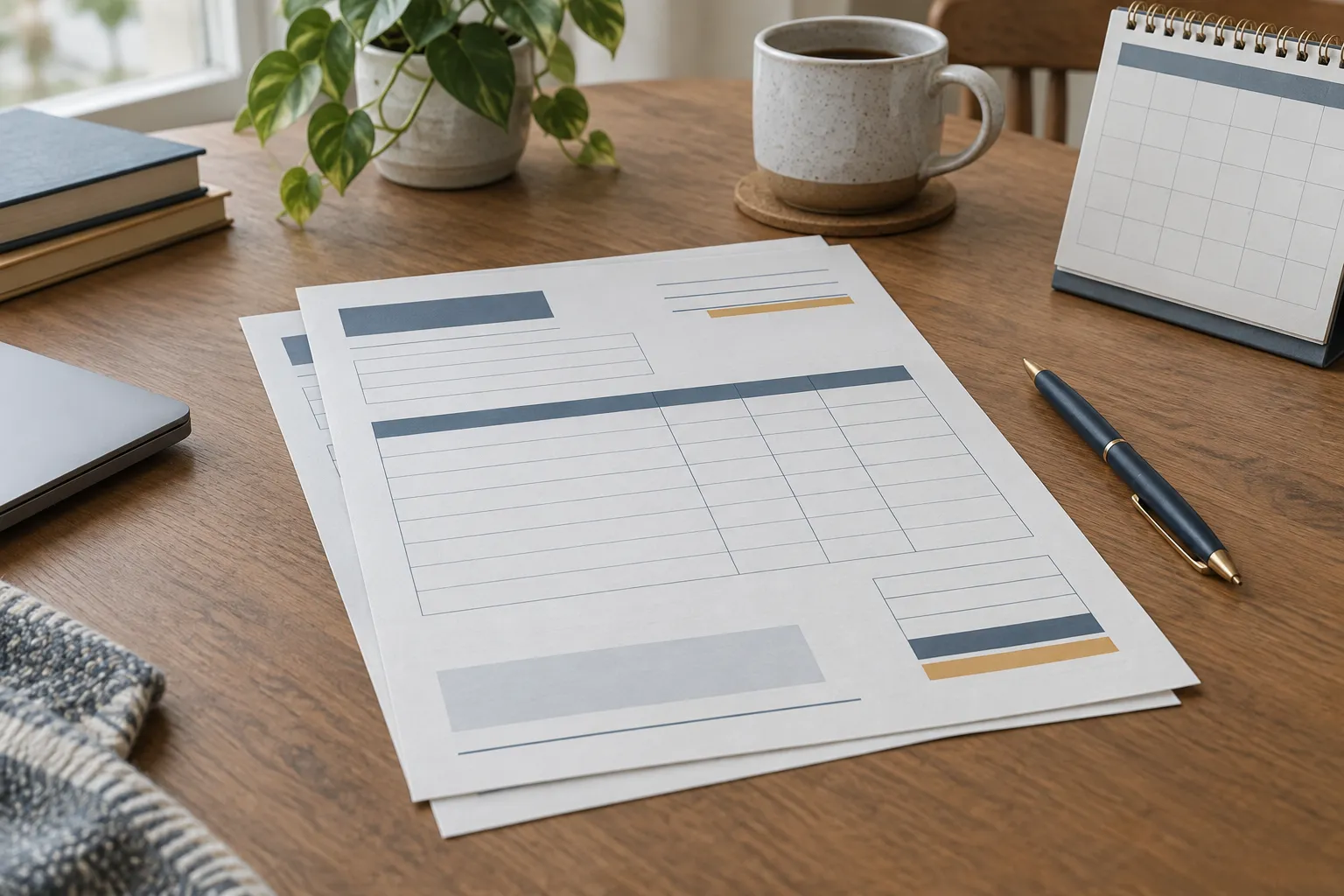
Header block, in this order:
- The word Invoice
- Your name or business name, address, email and phone
- Client name and billing address
- Invoice number
- Invoice date
- Service or supply date
Line items table:
| Description | Quantity/hours | Rate | Line total |
|---|---|---|---|
| Service, deliverable, scope | 10 hours | Rate per hour | Quantity × rate |
| Second item | 1 project | Fixed fee | Amount |
Totals block, directly under the table:
| Subtotal | Sum of line totals |
| Tax (if applicable) | Rate and amount |
| Total due | Currency and amount |
Payment block, at the bottom: a specific due date, the currency, accepted payment methods with bank or account details, and your payment terms (4).
The quantity and rate columns go beyond the UK minimum, which requires only the charges and the total. A full EU VAT invoice, however, needs the quantity or extent of services and the unit price (8), and so does a full UK VAT invoice (15). Building those columns in from the start means one simple invoice template covers both cases.
Payment Terms, Due Dates, and Late Fees
Payment terms on a freelance invoice should state a specific due date, the accepted payment method and what happens if the client pays late, all in one block. Xero’s May 2026 guide describes payment terms as covering due dates, accepted payment methods, late fees and currency (4).

The same Xero guide reports that, according to Xero data, invoices with one-week terms get settled in about two weeks, while the average client takes 28 to 29 days to pay (4). Shorter terms are worth considering, but agree them with the client before the work starts, not on the invoice.
In the UK, the default matters if you never agreed a date. Unless a payment date was agreed, the customer must pay within 30 days of getting your invoice or the goods or service (5). You also have the right to charge interest for late payment, though you can choose not to (5).
Sample wording for the payment block:
Payment due by [specific date]. Please pay by bank transfer to [account name, sort code or IBAN, account number], quoting invoice number [#]. Invoices unpaid after the due date may incur late-payment interest.
Check your contract and local rules before you add a specific late fee or interest rate. The UK right to charge interest does not carry over automatically to clients in other countries.
When to Add VAT or Tax Fields
VAT fields belong on a UK freelancer’s invoice only once the freelancer is VAT-registered. A VAT-registered business that supplies standard- or reduced-rated goods or services to another VAT-registered person must give that person a VAT invoice, and it does not need to issue VAT invoices to customers who are not VAT registered (11). If the freelancer is not VAT-registered, a basic invoice with identity, dates, description, charges and total meets the UK requirement (9).
Many downloadable templates ship with a tax line already filled in. Leaving it on by default is risky: charging tax you are not registered to collect creates a problem, and so does omitting required VAT detail when you are registered. Treat the tax line as a switch: turn it on once you are VAT-registered, and use the VAT invoice format when your client is VAT-registered too (9).
Once the switch is on, a UK VAT invoice needs more than a single tax figure. It calls for your VAT registration details, tax-point information, the VAT rate and the amounts payable excluding VAT (11). VAT invoices in the UK and EU also need a unique sequential number (15)(8). A UK VAT invoice shows the total excluding VAT and the total VAT separately (11), so keep the pre-tax subtotal, the tax amount and the total due on separate rows, and keep the tax label editable so you can change the rate or remove the line for clients where it does not apply.
Outside VAT systems, the trigger is different. In the US, for example, SumUp advises checking your state’s sales-tax nexus threshold before adding sales tax to an invoice (2), so check your state’s own rules rather than a template’s default.
Invoice fields by invoice type
| Basic invoice (no VAT) | UK VAT invoice | EU full VAT invoice | |
|---|---|---|---|
| Identity and dates | Both parties, supply date and invoice date | Both parties, time of supply (tax point) and date of issue | Both parties' full names and addresses, date of issue |
| Unique or sequential number | Unique number | Unique sequential number | Unique sequential number |
| Description of work | Yes | Yes | Description and quantity of goods or services |
| Quantity and unit price | Not required in the UK | Quantity or extent, and unit price | Unit price excluding tax |
| VAT details | VAT amount only if applicable | Your VAT registration number, VAT rate, amounts excluding VAT and total VAT | VAT rate, amount payable and breakdown by rate |
Local Tax and E-Invoicing Rules to Check by Country
A freelance invoice that is valid in one country can be incomplete in another, because tax authorities set their own invoice fields and, increasingly, their own e-invoicing formats. Treat any template, including the one above, as a starting point to check against the rules where you are registered and where the transaction takes place.
UK and EU VAT invoices
VAT-registered businesses in the EU follow a single set of basic EU-wide invoicing rules, plus national rules set by each Member State in certain areas (8)(12). A template that works for a client in one EU country may need adjustments for a client in another. Under the VAT Directive, electronic invoices are equivalent to paper ones, and businesses can issue them if the recipient accepts them (8). The UK sets its own requirements through HMRC’s VAT guidance (11).
France’s e-invoicing reform, 2026-2027
France’s tax authority states that all companies must be able to receive e-invoices by 1 September 2026, and large and mid-tier companies must issue all their invoices electronically by that date (14). Small and micro-enterprises, including freelancers, have until 1 September 2027 to start issuing them (14). The reform covers companies established in France and liable for VAT, including those under the VAT exemption scheme. It relies on structured formats sent through approved platforms, and an ordinary emailed PDF does not meet its e-invoice standard (14). A PDF template still works until that date applies to you. After it, a template alone is not enough in France.
Other countries: confirm with the local tax authority
India, Australia, Malaysia and Germany each set their own invoicing requirements, and their field lists and digital rules differ. The checklist in this guide does not replace them. If you invoice clients in one of these countries, or are registered there, read that country’s tax authority guidance before relying on a generic template.
Freelancer Invoice Template vs Template for a Side Hustle
A freelancer invoice template and an invoice template for a side hustle contain the same legal fields. What changes is how often you use the template and how much setup is worth doing. Someone billing several clients a month needs reliable numbering and quick duplication. Someone sending two invoices a year needs the fields right and little else. If the side business itself is still taking shape, a one-page business plan sets the prices your invoices will carry.
Google Docs, Sheets, Word, and Excel versions
Microsoft Word offers editable business templates you can personalize with logos, colors and business information. You can save customized documents as reusable templates and share the finished file as a PDF (13). Word’s business templates support itemized lines, payment terms and branding fields (13). As of October 2026, PayPal also offers a downloadable Word freelance invoice template, and notes that this download does not include the online features of PayPal Invoicing and may not format correctly if exported to Excel (6). Google Docs and Sheets work the same way for the table above. Check access and plan conditions on each provider’s current page.
A spreadsheet suits hourly billing because it calculates line totals and the subtotal for you. A document suits fixed-fee projects where the description matters more than the arithmetic.
- Who it fits: freelancers who already work in Word, Google Docs or a spreadsheet and send a few invoices a month.
- Who it does not fit: anyone who wants payment links, automatic numbering or reminders built into the invoice.
- What to try instead: invoicing software that numbers invoices and sends reminders for you.
How to Fill Out and Send the Invoice
Invoicing a client as a freelancer means collecting their billing details, duplicating your master template, giving the invoice a new unique number, itemizing the work, then sending it with payment instructions.
How to fill out and send a freelance invoice
Prepare a client-specific invoice from your master template, check its details and tax treatment, then send it in an accepted format.
- 1
Gather client and project details
Collect the client's billing name and address, agreed scope and rate, service date, applicable tax-registration details and preferred payment method.
- 2
Duplicate the master template
Make a copy for this client and job; leave the master file unchanged.
- 3
Assign a new invoice number
Use the next number in your sequence and do not reuse an identifier.
- 4
Itemize the work
Enter the description, quantity or hours, rate and line total for each item.
- 5
Confirm tax status
Add the tax line only when the relevant VAT or sales-tax conditions apply.
- 6
Set payment terms
Include a specific due date, currency, payment method and account details.
- 7
Export and send
Use a format the client accepts, usually PDF, unless local e-invoicing rules require a structured format.
Frequently Asked Questions
- What is the best format for an invoice?
- PDF keeps an invoice layout fixed and easy to open; use a structured e-invoice where local rules require one, as France will from 1 September 2027 (14).
- Is Google invoice free?
- Google does not sell a product called "Google invoice"; the phrase usually means invoice templates in Google Docs or Sheets. Current Google account and Workspace plans are listed on Google Workspace's pricing page.
- Is it legal to invoice yourself?
- Freelancers can issue invoices under their own name and any business name they use (9); client-issued invoices are self-billing, which EU rules allow in some circumstances (8).
- How do you invoice someone as a freelancer?
- After agreeing scope, rate and terms, issue a numbered invoice with both parties' details, dates, itemized work and total, then send payment instructions (9).
- Can I customize a freelance invoice template?
- Yes. Change the branding, colors, fonts and text (13), and add or remove line items as each job needs. Do not remove the required invoice fields, or the tax fields once you are VAT-registered (11).
- How can freelancers track unpaid invoices?
- Log each invoice's number, client, amount, due date and payment status, then review the list regularly; reminders and status updates can be automated with invoicing software.
Choosing Your Invoicing Setup
The fields, table layout and payment-terms wording above cover a standard freelance invoice. Your VAT status and the country you invoice in decide whether that standard version is enough. Before your first VAT-registered or cross-border invoice, read the invoicing guidance of the relevant tax authority.
- Who a template fits: solo freelancers and side hustlers with straightforward services, a handful of invoices a month, and clients in a country whose rules they have checked.
- Who it does not fit: anyone facing a mandatory e-invoicing regime, such as French businesses under the 2026-2027 rollout, or anyone sending enough invoices that manual numbering and chasing become unreliable.
- What to try instead: invoicing software with automatic numbering and reminders, or, where e-invoicing is mandatory, an approved platform as required by the local tax authority (14).